Groclock alternative: a sleep clock you set from your phone
If you are looking for a Groclock alternative, you are probably not looking for another clock. The things parents say about the Groclock on Mumsnet are about the box: it is fiddly to programme, the child unplugs it or resets it, it is bright, and it only makes sense from about three. A sleep clock on a tablet answers most of that, and the Groclock still wins on one thing. Here is the honest comparison.
What parents say about the Groclock
From the Mumsnet threads that come up when you search for an alternative:
- “An utter PITA to programme.” Settings live on the clock’s buttons, so a change means standing by the bed.
- The child unplugs it, or finds the buttons and resets it.
- It is too bright at night for some children, even dimmed.
- Children do not understand it until about three, sometimes three and a half.
Those are parents' words, not ours, and plenty of families are happy with it. It is the sleep trainer clock the UK knows, it costs nothing to run, and it does not need a tablet.
The comparison
Prices and facts checked on 1 November 2026 from the makers' own pages and the stores. They change; check before you buy. SlumberPal is not affiliated with any of them.
| Tommee Tippee Groclock | Sleepy Clock | UniKello | SlumberPal | |
|---|---|---|---|---|
| What it is | A clock with a star-to-sun face | A phone app with four sky phases | A phone or iPad app with red, yellow and green | A tablet or phone app with a pal, six stars and a sunrise |
| Price | About £25 to £40 in the shops | £2.99 once | Paid once after a trial | Free; Plus from £2.99 a month, £19.99 a year or £44.99 once |
| Set from your phone | No, on the clock itself | No | No | Yes, every grown-up’s phone, with Plus |
| Change it at night without going in | No | No | No | Yes, while the app is open on the screen |
| Routine activities | No | No | No | Brush teeth, bath, read a book and more, with Plus |
| Naps | A second wake time | Yes | Yes | Yes, each with its own stars |
| Works without a tablet | Yes | No | No | No |
Where each one wins: the Groclock needs no tablet and no app, and nothing on it can be bought; Sleepy Clock is the cheapest way to try the idea; UniKello’s colours are simple. SlumberPal wins when you want to change things from your phone, and when you want the bedtime routine on the same screen.
What it costs in practice
A Groclock is a one-off purchase. SlumberPal’s clock is free, and the things that make it more than a clock are in Plus: £2.99 a month, £19.99 a year or £44.99 once, with 14 days free in the app and no card. Prices are set in Google Play and may change; you always see the current price before you pay.
Moving from a Groclock
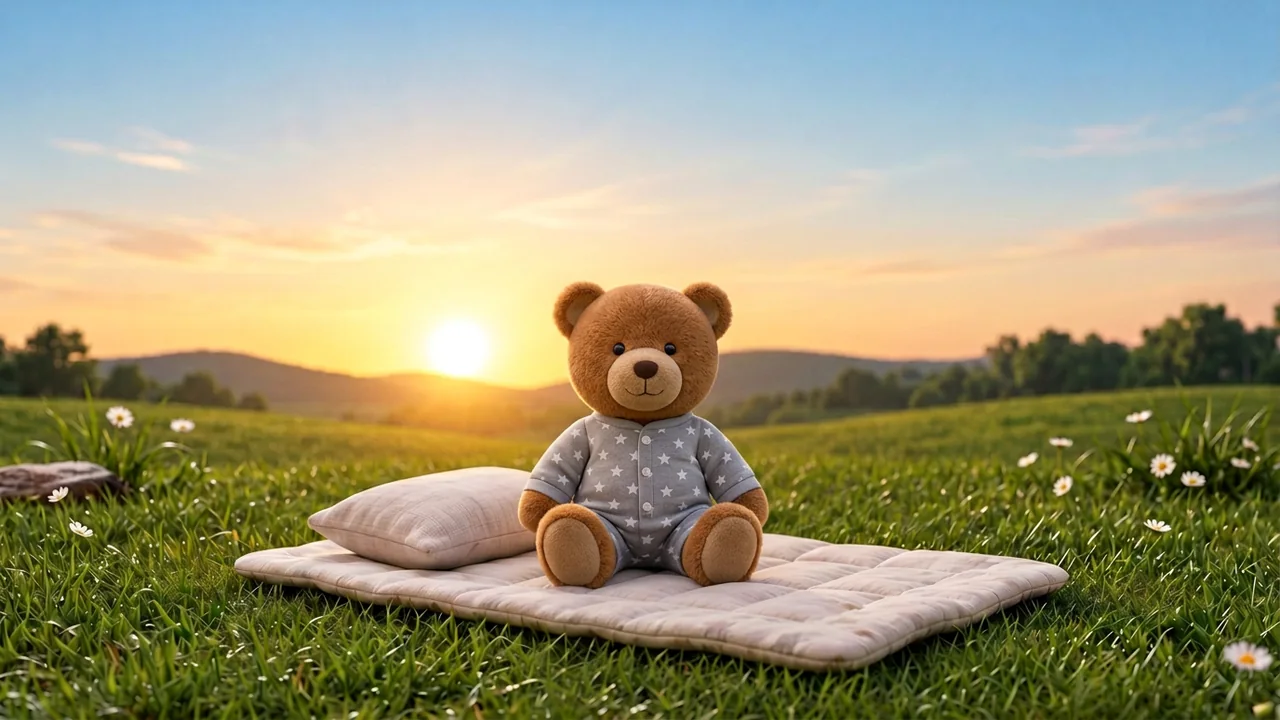
Keep the same bedtime and wake time your child already knows, and put the tablet where the clock was. Show them the pal and the six stars at bedtime, and the sun in the morning, with the same words you used before. Most families say the pal is the part the child takes to.
 Pyjama Ted
Questions
Does SlumberPal work on a Groclock?
No. It is an app for an Android tablet or phone, with iPad coming later.
Is a tablet screen worse for sleep than a Groclock’s face?
The night scene is dark, dim and still, and the brightness is yours to set. What it does and does not claim is on screens and sleep.
From what age?
The same as a Groclock in practice: from about two and a half, with most children understanding it by three. Under that, the stars and the pal are still a calm bedtime signal; the “OK to get up” part comes with age.
Can grandparents use it at their house?
Yes. Take the tablet, or set up a second screen there, and keep home times or switch to the new time zone from the next sleep.
Can I try it without paying?
Yes. The clock is free, and every new family gets 14 days of Plus with no card.